



Program Search Application
Official Application
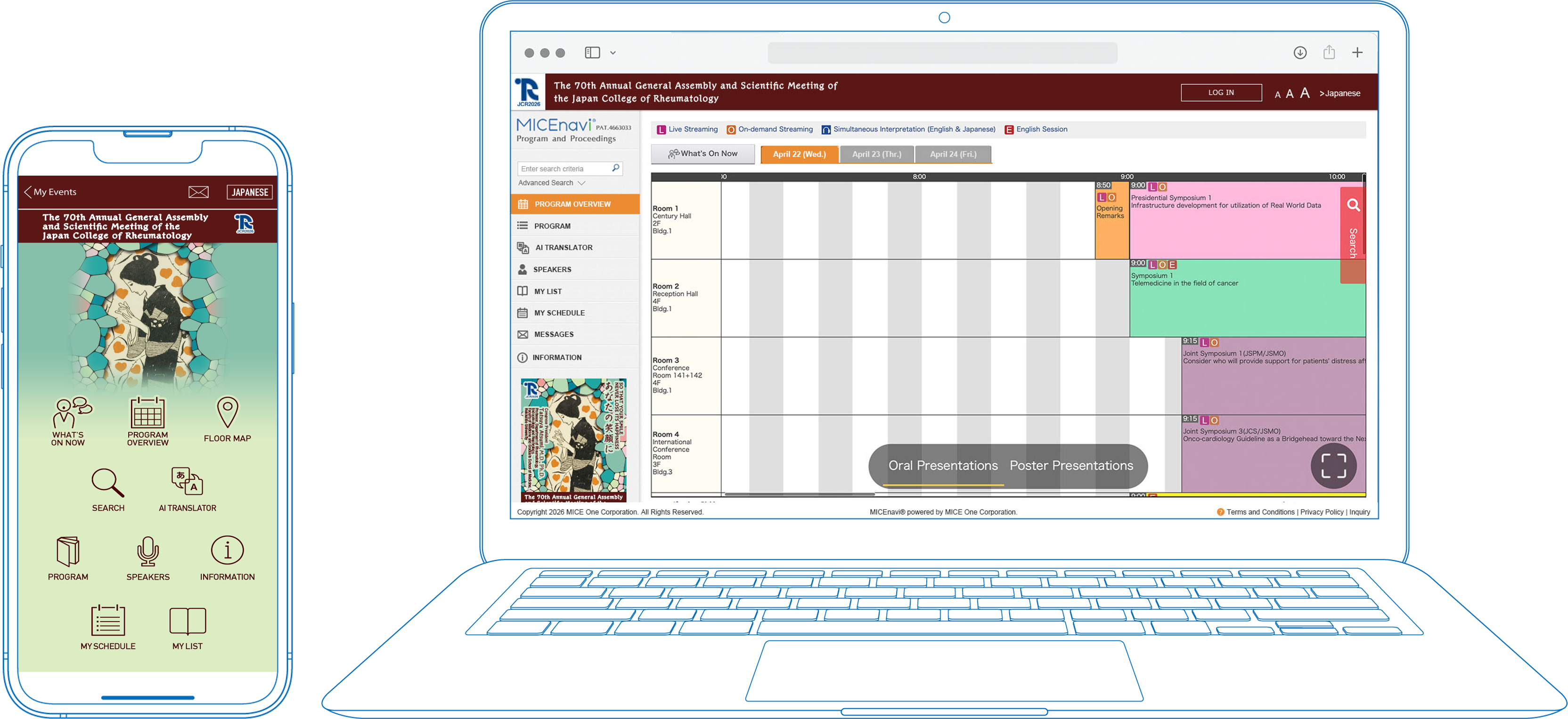
JCR2026 offical application allows you to overview the meeting program and create your own personal itinerary.
You can include the sessions you wish to attend and any abstracts that interest you.
Do I need a password?
You will only need to enter the password to browse abstracts. To view the abstracts, please enter the password provided in the “Confirmation of Online Registration” email or on your account page.
For PC
The button and QR code below becomes available after it became activated.

How can I download and use the app?
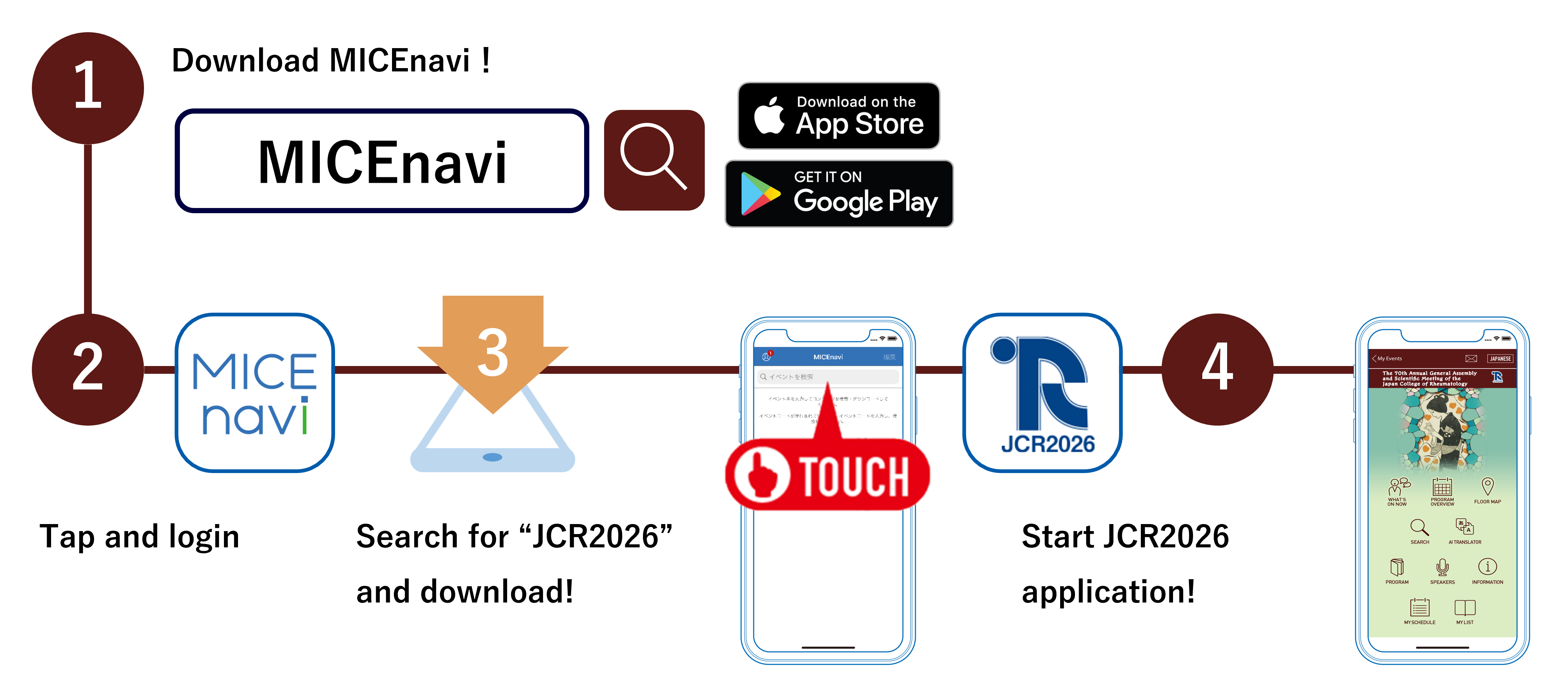
1. Download “MICEnavi” App from Apple App Store / Google Play
Go to the Apple App Store / Google Play store on your mobile device. Type “MICEnavi” into the search bar and “MICEnavi” icon will appear. Please download and install the MICEnavi app onto your device.
2. Find the JCR2026 in app
Search for our meeting app by typing JCR2026 into the search bar. You will see an event come up with our JCR2026 logo. Tap on JCR2026 and download.



| Compatibility | For iOS version 16.0 and above For Android version 9.0 and above |
|---|
Modern Rheumatology Supplement
Modern Rheumatology is the official journal of the Japan College of Rheumatology (JCR) and is the premier scientific journal for research in rheumatic diseases. The journal publishes original papers in English on research pertinent to rheumatology and associated areas including pathology, physiology, clinical immunology, microbiology, biochemistry, experimental animal models, pharmacology and orthopedic surgery.You can access the official website to view the Modern Rheumatology Supplement which contains all the abstracts in PDF format by scanning the QR below.
Inquiries
Congress Secretariat
c/o Convention Plus, Inc.
E-mail : support@jcr2026.com
MICEnavi Technical Support
MICE One Corporation
E-mail:micenavi-inq+jcr2026@mice-one.co.jp
(Open on weekdays from 10:00 to 17:30)